Most businesses spend months trying to get more traffic. But here is the thing: the problem is rarely traffic. It is what happens after someone lands on your page.
The average website converts around 2 to 4 percent of its visitors. That means for every 100 people who find you, 96 or more leave without doing anything. A conversion rate optimization tool helps you fix that, without spending a dollar more on ads. It is one of the highest-return investments a growing business can make.
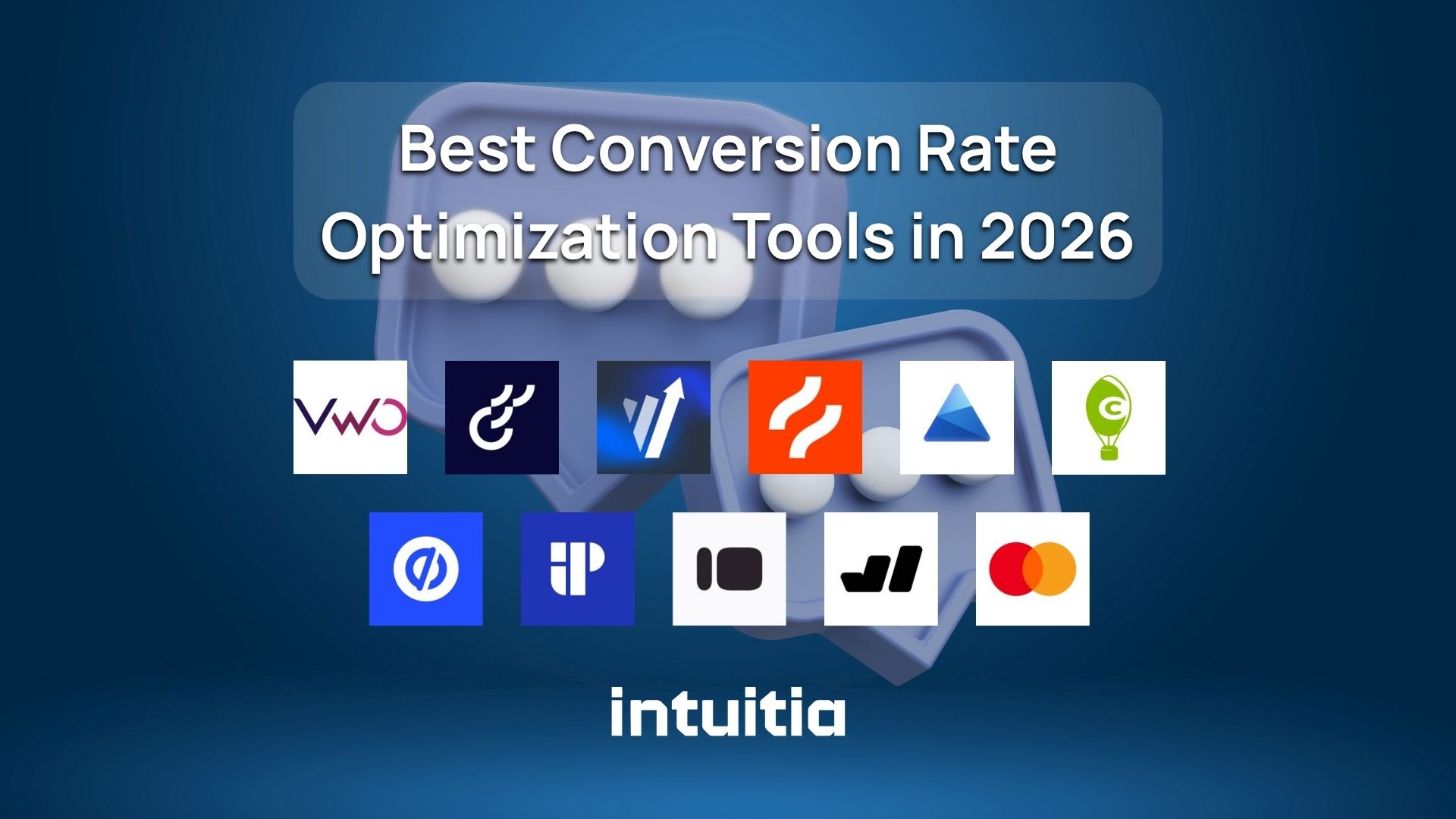
This guide covers what these tools actually do, the six main categories, 12 top picks for 2026, and a straight-talking selection guide so you pick the right one for where you are now.
A conversion rate optimization tool is software that helps you turn more of your existing website visitors into customers, leads, or sign-ups. It does this through three core things: showing you where people drop off, helping you test changes, and measuring what actually works.
That is different from a regular analytics tool like Google Analytics. Analytics tells you that people are leaving. A CRO tool tells you why, and helps you do something about it.
A quick example: Say 1,000 people visit your pricing page every month, but only 30 sign up. A CRO tool might show you through a heatmap that almost nobody scrolls down to see your main call-to-action button. You move the button up, run a test, and signups jump to 55. Same traffic. Better results.
That is CRO in action.
Ad costs keep rising. Google and Meta CPCs have gone up significantly over the past three years. Getting new traffic is expensive. Keeping and converting the traffic you already have? That is where the real return is.
Here are the main reasons businesses are prioritizing CRO tools in 2026:
The businesses growing fastest are not necessarily spending more. They are converting better.
Not all CRO tools do the same thing. Before you pick one, you need to know which category your biggest problem falls into.
Most businesses start with one category and expand over time. Pick the one that matches your biggest gap right now.
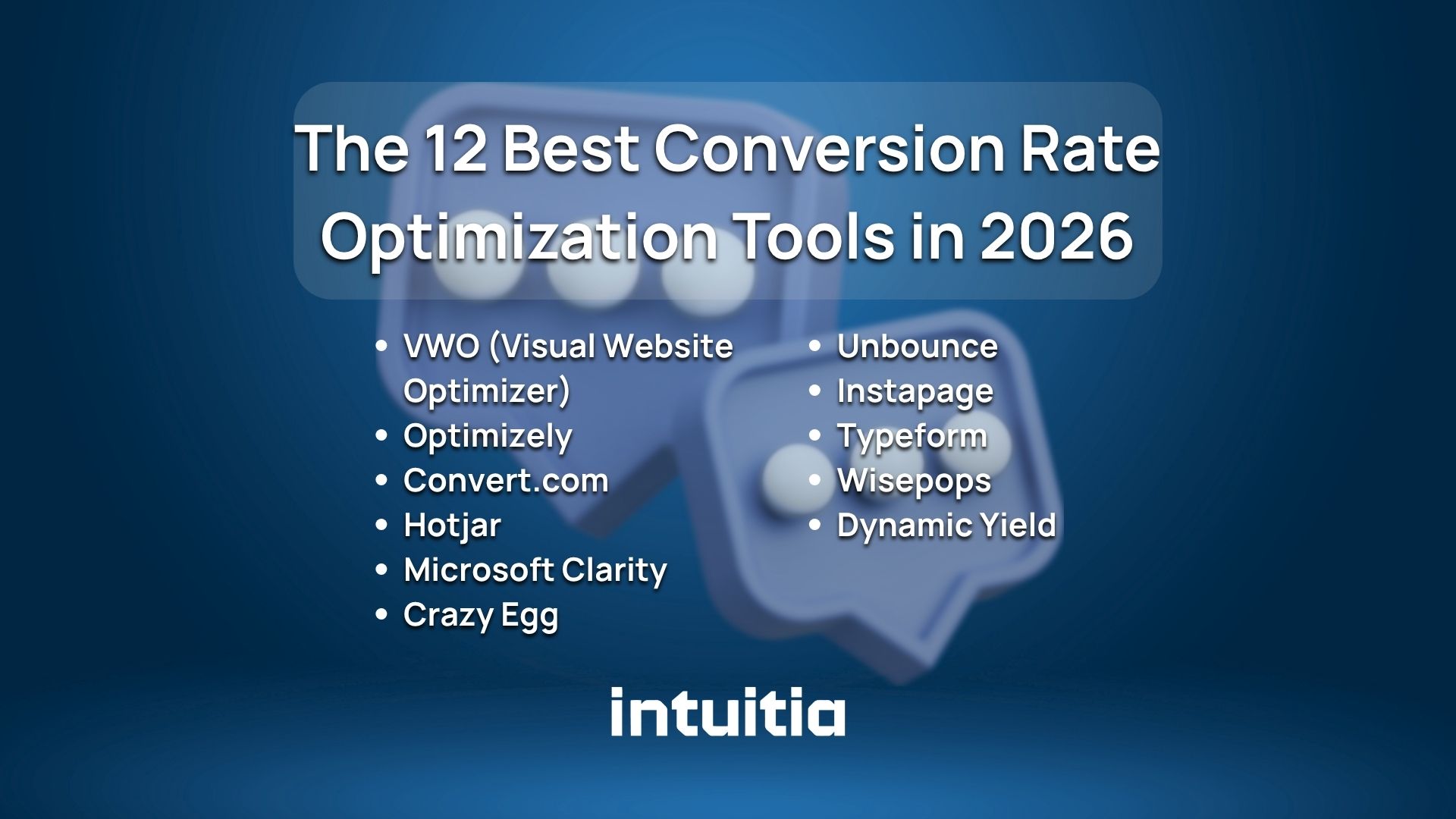
Here is a focused look at the tools worth your attention this year, organized by category.
VWO is one of the most complete CRO suites available. It combines A/B testing, multivariate testing, heatmaps, session recordings, and funnel analysis in one platform. It is a strong fit for mid-size to enterprise teams who want everything in one place rather than patching together five different tools.
Pricing starts at around $199/month. There is a free trial available.
Optimizely is built for large teams running serious experimentation programs. It supports web, mobile, and full-stack testing, meaning you can run experiments across your entire product, not just the front end. If you need statistical rigor and can justify the enterprise price tag, it is hard to beat.
Best for: Enterprise SaaS and ecommerce companies with a dedicated growth team.
Convert.com is the go-to for teams where privacy and compliance are non-negotiable. It is fully GDPR-compliant, does not use cookies by default, and stores no personal data. It offers solid A/B and multivariate testing without the complexity of Optimizely.
Best for: European businesses or any team prioritizing data privacy in 2026.
Hotjar is probably the most recognized name in behavior analytics. It gives you heatmaps, session recordings, and quick on-page surveys in one tool. The free plan is genuinely useful for small sites. If you have never used a heatmap before, Hotjar is the right place to start.
A real-world example: a SaaS company noticed through Hotjar recordings that users were repeatedly clicking a non-clickable image on their pricing page, clearly expecting it to be a button. One fix later, their sign-up rate improved measurably.
Clarity is completely free. It offers heatmaps, session recordings, and rage-click detection (it flags when users frantically click something out of frustration). It integrates directly with Google Analytics 4, which makes it easy to connect behavioral data to your traffic numbers.
For small businesses or anyone on a tight budget, Clarity is the best free starting point available right now.
What sets Crazy Egg apart is its visual editor. You can make changes directly to your page through the tool and run an A/B test without touching your code or calling a developer. That is a genuine time-saver for lean marketing teams. For example, you can change a headline, swap a button color, or reorder a section and have a live test running within minutes.
Pricing starts at $49/month, making it one of the more accessible paid options.
Unbounce is built specifically for landing pages tied to ad campaigns. Its Smart Traffic feature uses machine learning to automatically send each visitor to the version of your page most likely to convert them, based on their behavior and attributes.
If you run Google or Meta ads and you are not testing your landing pages, you are almost certainly leaving conversions on the table. A well-designed landing page is one of the highest-return improvements you can make. For a deeper look at what makes landing pages work, this guide on landing page design agencies is worth reading alongside your tool research.
Instapage focuses on what happens after the click. It connects specific ads to specific landing page experiences, so a visitor who clicked a "free trial" ad sees a page built exactly for that message. That level of message match tends to improve conversion rates significantly. Research consistently shows that pages where the headline matches the ad copy outperform generic landing pages by a wide margin.
Best for: Teams running large-scale paid campaigns where ad-to-page consistency matters.
Hotjar Surveys and Qualaroo
On-page surveys ask your actual visitors what stopped them from converting. That sounds simple, but it is one of the most direct ways to find out what is broken. Hotjar has built-in survey functionality. Qualaroo specializes in it with more targeting options, including exit-intent triggers and behavior-based prompts.
One question that consistently produces useful answers: "What almost stopped you from signing up today?" The responses often point directly to the friction your analytics cannot explain.
Typeform is the tool to use when you want to collect deeper feedback through a more conversational experience. It is particularly good for post-purchase surveys, onboarding research, and lead qualification forms where a dry form would put people off.
Best for: Teams doing voice-of-customer research to inform CRO decisions.
Wisepops specializes in onsite messages: popups, embedded banners, and push notifications that respond to what a visitor is doing in real time. It also has a built-in A/B testing module and deep targeting options so you can show the right message to the right person at the right moment, rather than blasting everyone with the same popup.
Dynamic Yield
Dynamic Yield is an enterprise-level personalization platform. It adapts your entire page experience based on visitor segments, real-time behavior, and purchase history. Think of it as having a different version of your website for every type of customer. A returning visitor who bought from you before sees different messaging than someone visiting for the first time.
It is acquired by Mastercard and used by major retail and ecommerce brands globally. The pricing reflects that, so it is not a fit for smaller teams.
Best for: Large ecommerce brands with complex product catalogs and diverse customer segments.
The right tool depends on three things: what you are trying to fix, how big your team is, and what you can realistically spend right now.
This is the most important step, and most people skip it.
Before you look at a single tool, ask yourself: where exactly are people dropping off? Is it your homepage? The pricing page? The checkout? Each problem points to a different category of tool.
Good UX and CRO are deeply connected. If your design is creating confusion, no amount of testing will fix the core problem until the experience itself improves.
Not every team needs an enterprise suite on day one.
Start narrow. One tool used well beats three tools used poorly.
Your CRO tool needs to talk to the rest of your stack. Before you sign up for anything, check whether it integrates with:
Most major tools connect with common platforms, but always verify before you pay. A tool that does not sync with your analytics means you are managing two separate data sources, which creates more work and more room for things to get confusing fast.
This matters more than it did two years ago. If you serve customers in Europe, California, or anywhere with active data protection laws, you need a tool that handles consent correctly.
Convert.com and Microsoft Clarity are both strong on this front. VWO also has GDPR-compliant configuration options. Avoid tools that rely heavily on third-party cookies without a clear cookieless alternative.
Here is the honest truth: most businesses do not need a $500/month enterprise suite. They need one clear insight and the ability to test one thing at a time. Start with a free or low-cost tool, generate your first few learnings, and upgrade when you have genuinely outgrown what you have.
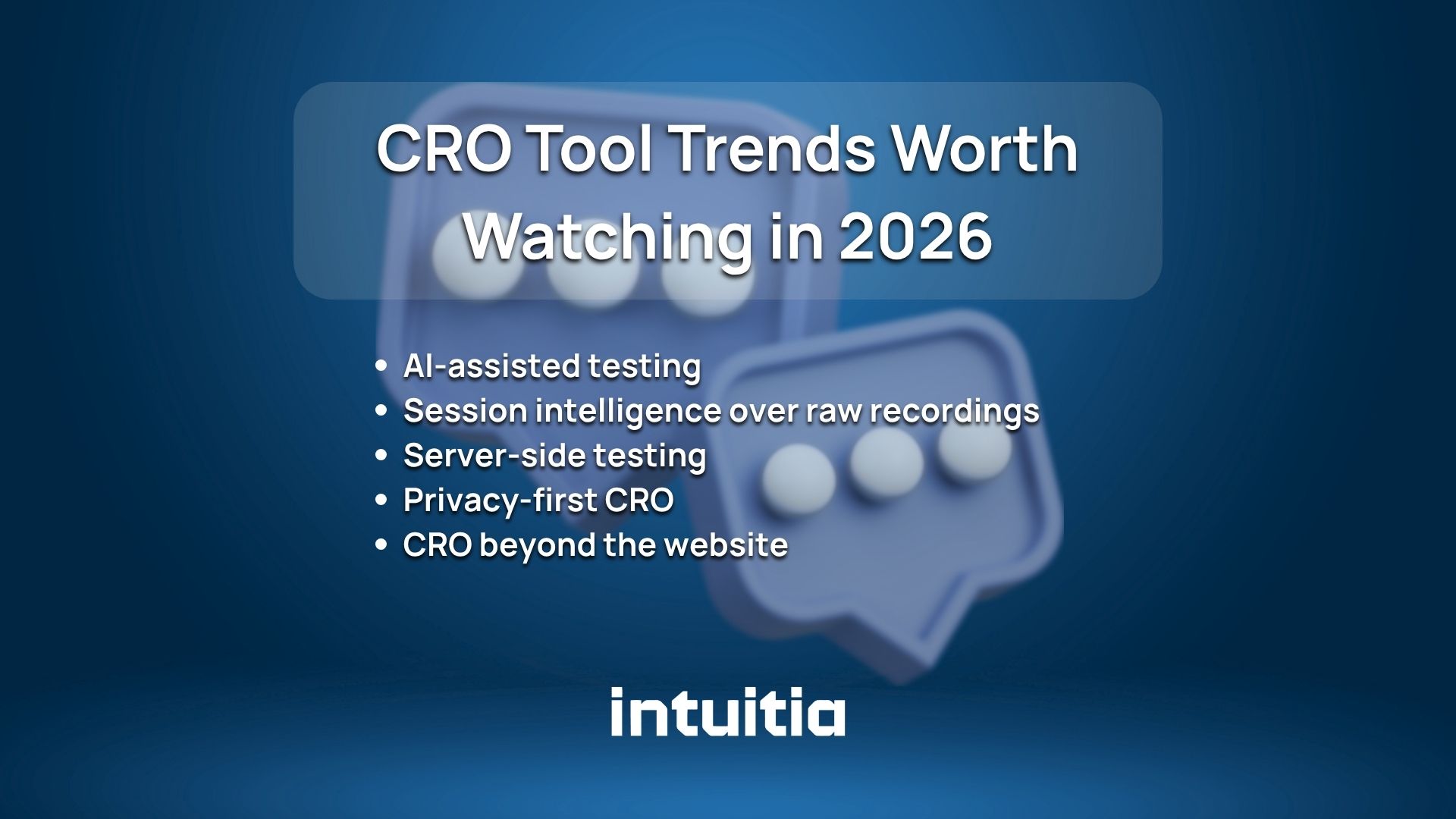
The CRO space is moving fast. Here is what is changing right now.
AI-assisted testing. Tools like VWO and Unbounce now use machine learning to suggest what to test next based on your data, rather than leaving it entirely to you. This speeds up the learning cycle for teams without a dedicated CRO specialist. Instead of spending a week deciding what hypothesis to test, the tool surfaces the highest-impact opportunities automatically based on where visitors are dropping off.
Session intelligence over raw recordings. Basic session recordings are being replaced by AI-annotated summaries that flag the most important moments automatically. Instead of watching 200 recordings, you get a list of the 10 that matter most.
Server-side testing. Traditional A/B testing runs in the browser, which can cause a brief flicker when the page switches between variants. Server-side testing eliminates that by serving the right version from the start. Expect more teams to move this direction in 2026.
Privacy-first CRO. As third-party cookies continue to disappear, tools are shifting to first-party and zero-party data collection. Surveys, feedback widgets, and contextual targeting are becoming more central to CRO strategy.
CRO beyond the website. Teams are now applying conversion optimization thinking to email sequences, in-app flows, and checkout experiences, not just landing pages. The tools are expanding to match.
More traffic is not always the answer. Most websites already have enough visitors to grow. They just need to convert more of them.
A conversion rate optimization tool gives you the visibility to see where things are breaking and the ability to test your way to better results. You do not need the most expensive platform on the market. You need the right tool for the problem you are actually trying to solve.
If you are starting from zero, grab Microsoft Clarity (it is free) and spend two weeks watching real users interact with your site. What you see will surprise you.
And if your site's design itself is creating confusion before users even reach a form or button, that is a separate but related problem. Understanding how UX principles connect to conversion is a good next step once you have your first CRO tool in place.
Ready to improve your website's conversion rate? Take a look at how Intuitia approaches UX and conversion design for a sense of what a design-focused CRO strategy looks like in practice.
What is the best free conversion rate optimization tool?
Microsoft Clarity is the strongest free option available right now. It provides heatmaps, session recordings, and rage-click detection at no cost, with no cap on traffic.
What is the difference between a CRO tool and an analytics tool?
Analytics tools like Google Analytics tell you what is happening on your site: traffic numbers, page views, and bounce rates. CRO tools tell you why it is happening and help you run experiments to fix it. You need both, but they serve different purposes.
How many CRO tools do I actually need?
Most teams do well with two: one for behavior analysis (a heatmap and recording tool) and one for testing (an A/B testing platform). Adding more tools before you have used the first ones deeply is a common and expensive mistake.
Can CRO tools help reduce cart abandonment?
Yes. Session recordings often reveal exactly where the friction is in your checkout flow: confusing form fields, unexpected shipping costs, or a payment step that fails on mobile. Once you identify the problem, you can test a fix.
How long does it take to see results from CRO tools?
The behavioral insights (heatmaps and recordings) show up immediately. A/B test results take longer because you need enough traffic to reach statistical significance. For most small-to-mid sites, a meaningful test takes two to four weeks.
Do CRO tools work for service-based businesses, not just ecommerce?
Absolutely. Any website with a goal, whether that is a contact form submission, a demo booking, or a phone call, can benefit from CRO. The tools work the same way regardless of industry.


.svg)






.svg)